

Free software · self-hosted · AGPL-3.0
A control plane for Minecraft networks
Run every server in your network, and the Velocity proxy in front of them, across your own machines from one web UI and a public API.
Early days: Shardkeep is young and moving fast. Try it, and tell us what breaks.
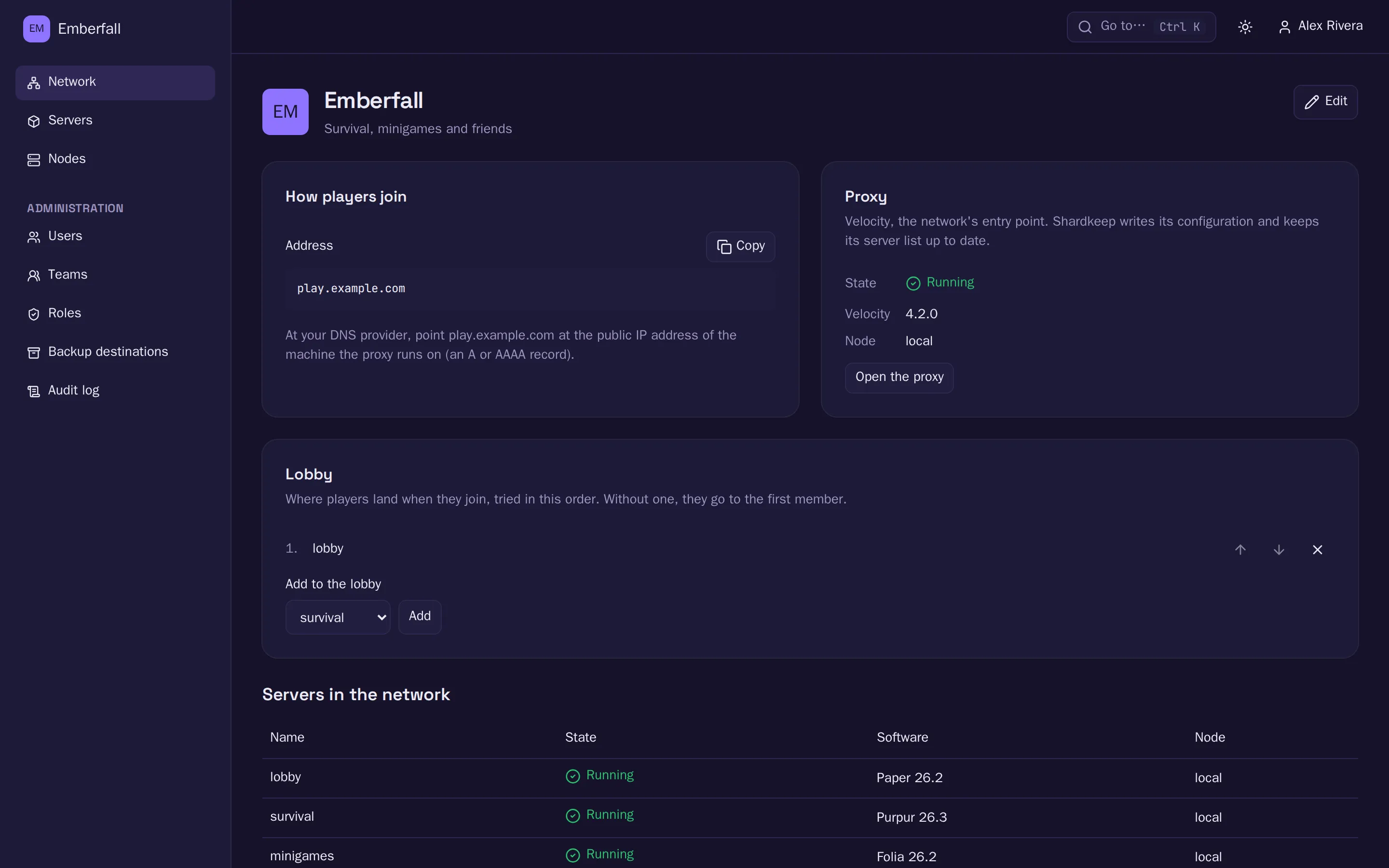
Built for networks, not single servers
Panels manage servers one by one. Shardkeep manages the network: where each server runs, how players reach it, and what happens when a machine or the Controller goes away.
One address for the whole network
Players join play.example.com. Shardkeep runs Velocity in front of your Paper, Purpur and Folia servers, keeps its server list current as servers come, go and move, and locks backends to the proxy with modern forwarding.
Nodes dial out
Each machine runs an Agent that connects to the Controller over mutual TLS. No inbound ports except Minecraft’s, no exposed Docker API, and it works behind NAT. Private keys never leave the Node.
Keeps running without the Controller
If the Controller goes down, servers keep running and scheduled backups and restarts keep firing. Nodes catch up when it returns.
Backups, migration and cloning
Scheduled, encrypted backups to S3 or a Node’s disk, with retention. Restore in place or as a new server, and move a server to another Node.
Verified software and plugins
Paper, Purpur, Folia, Vanilla and Velocity from a signed catalog, every download checked against its hash. Plugins from Modrinth and Hangar with compatibility checks.
Teams, roles and an audit log
Give people access to their team’s servers only, with built-in or custom roles. Every change is recorded, and everything the web UI does is in the public API.
How it works
- Install the Controller.It comes with its first Node, so you can create servers right away.
- Add more Nodes.One command per machine. The Agent enrolls with a one-time token and connects out.
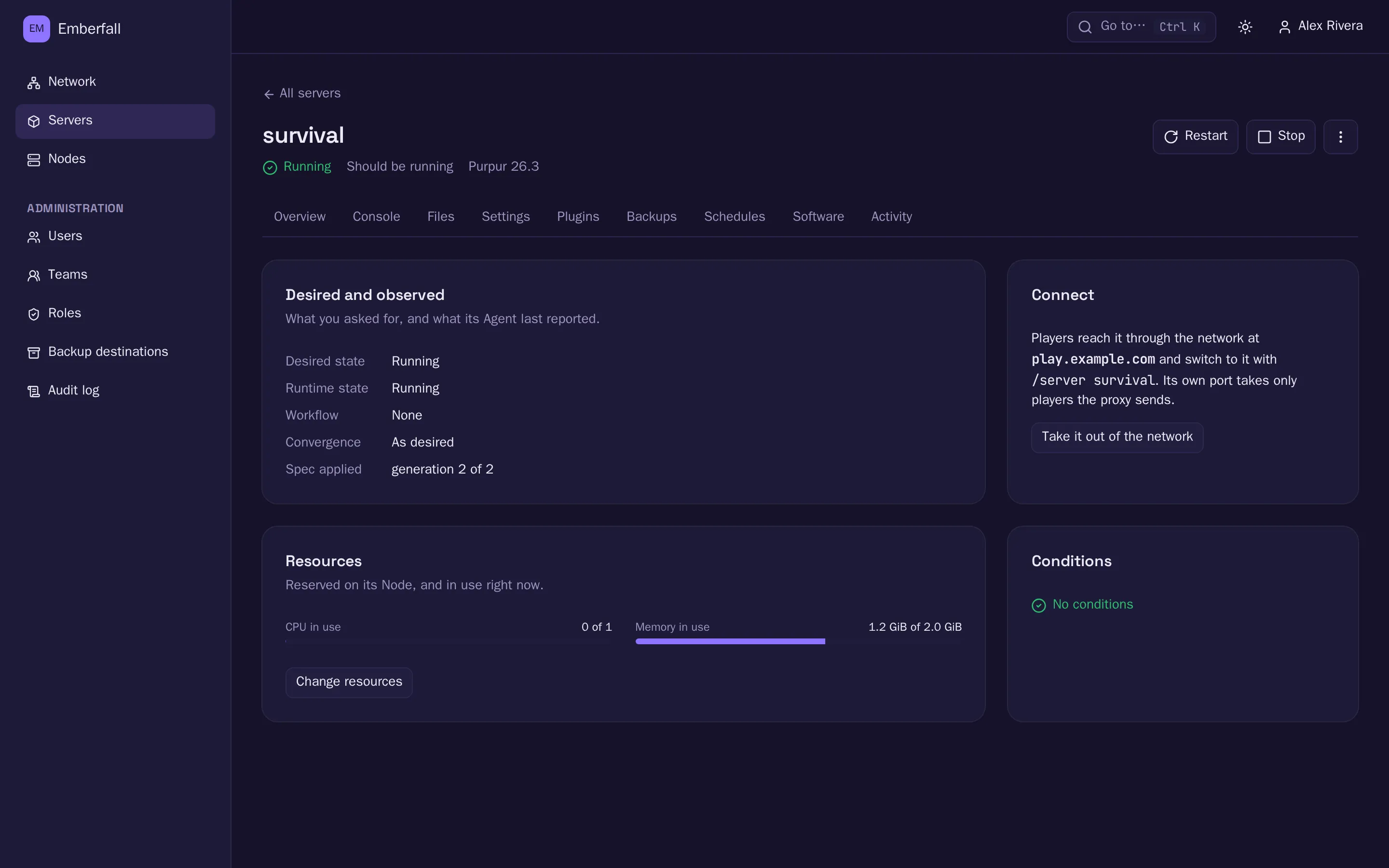
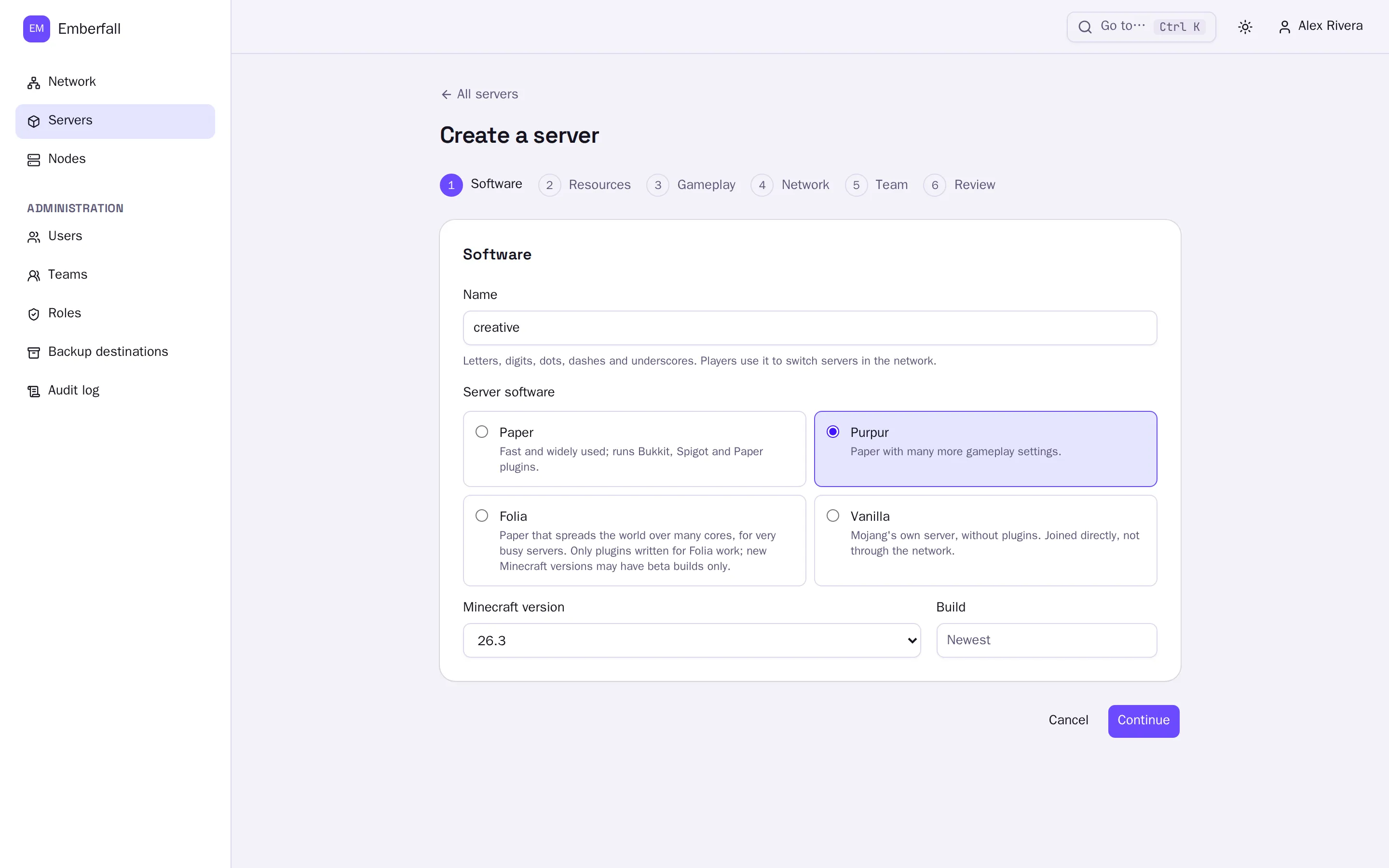
- Create servers.Shardkeep places them, installs the software, wires the proxy and keeps each one the way you asked.
Quick install
On a Linux machine with Docker Engine and the Compose plugin, as root:
curl -fsSL https://shardkeep.gg/install.sh | shIt installs to /opt/shardkeep, asks for the name people will use to reach this machine, starts Shardkeep with its first Node, and tells you how to finish setup in your browser. Run it again later to upgrade. Read the script before you run it.
Prefer to do it by hand?
mkdir -p /opt/shardkeep && cd /opt/shardkeep
curl -fsSLo compose.yml https://gitlab.com/shardkeep/shardkeep/-/releases/permalink/latest/downloads/compose.yml
curl -fsSLo .env https://gitlab.com/shardkeep/shardkeep/-/releases/permalink/latest/downloads/env.example
chmod 600 .env
# Set SHARDKEEP_PUBLIC_NAME and POSTGRES_PASSWORD in .env, then:
docker compose up -d
docker compose exec controller shardkeep admin setup-codeNext: first-run setup, adding Nodes and your network’s address in the documentation.
Community
Shardkeep is built in the open by a small team and anyone who wants to help.
- DiscordAsk questions, share your network, chat with other operators.
- Issues and ideasReport bugs and suggest features on GitLab; vote on ideas with 👍.
- Support the projectShardkeep is free. Donations on Liberapay keep it going.
Our promise: everything you can self-host stays free and open. A hosted service, if one ever exists, will only add hosting, billing, managed operations and support.